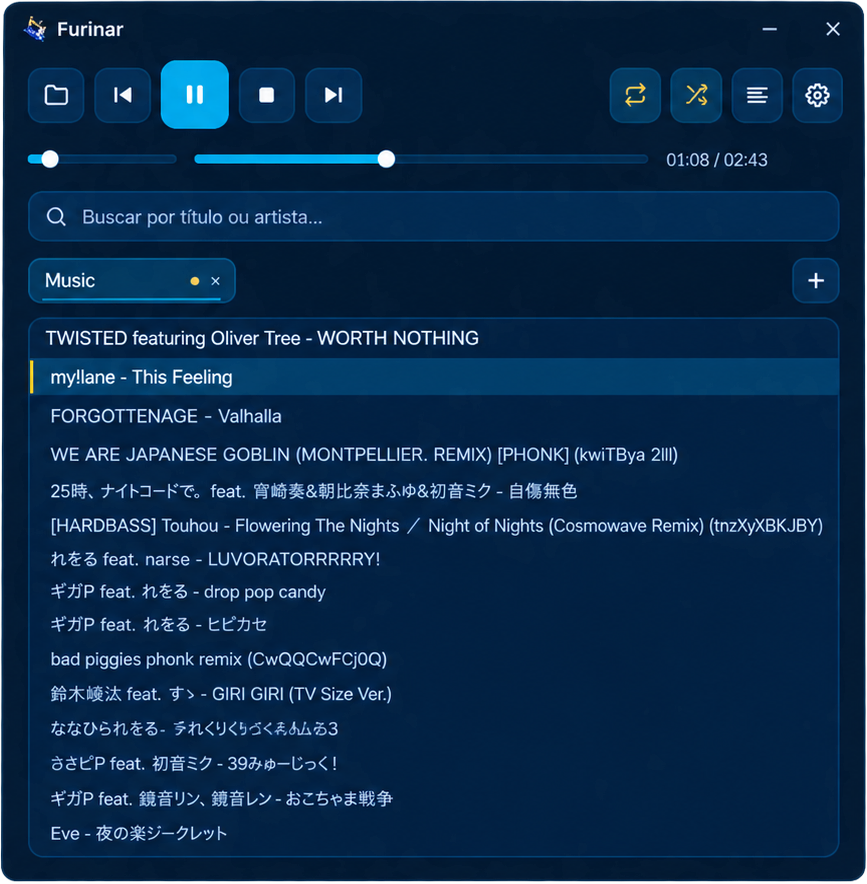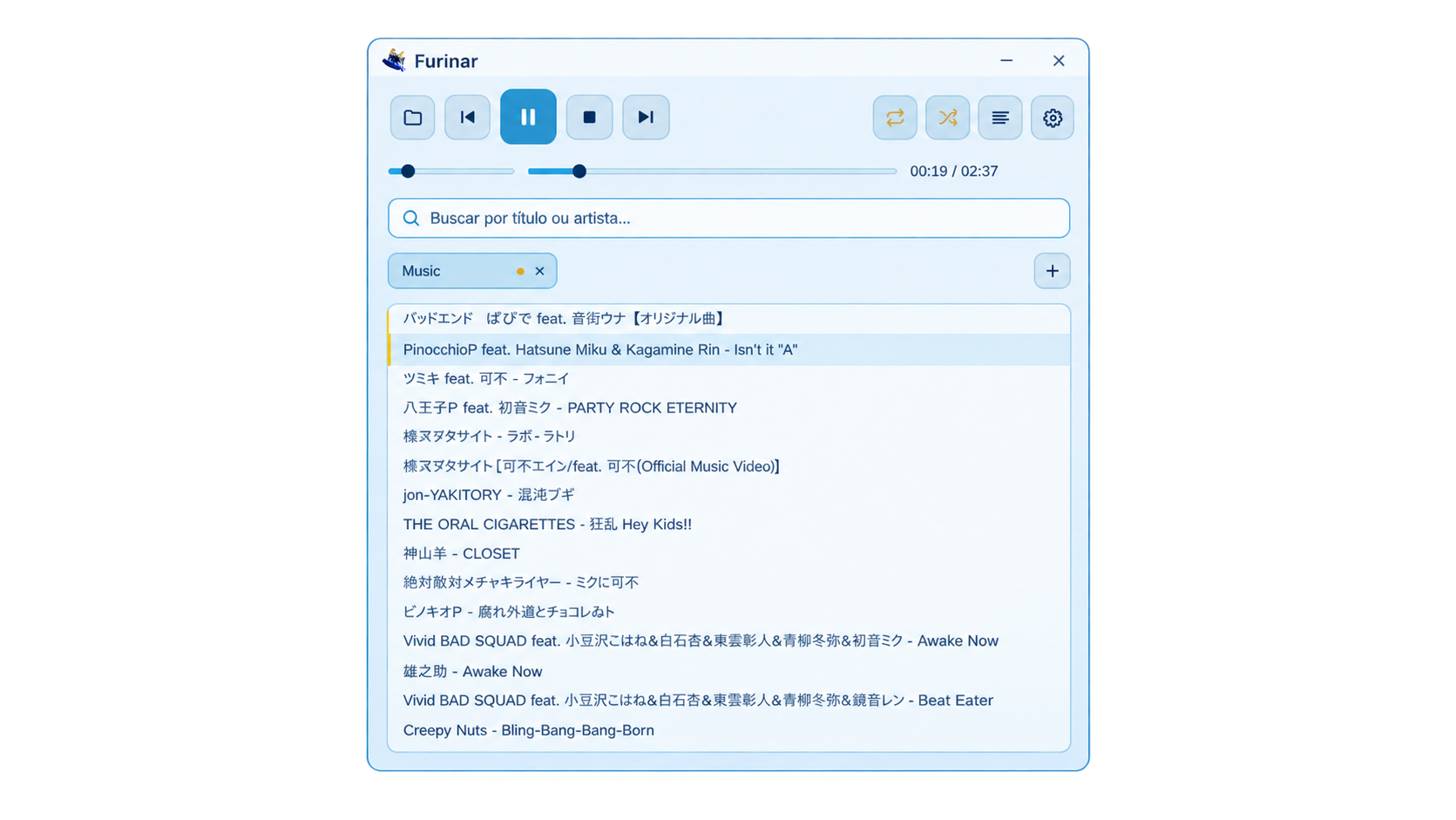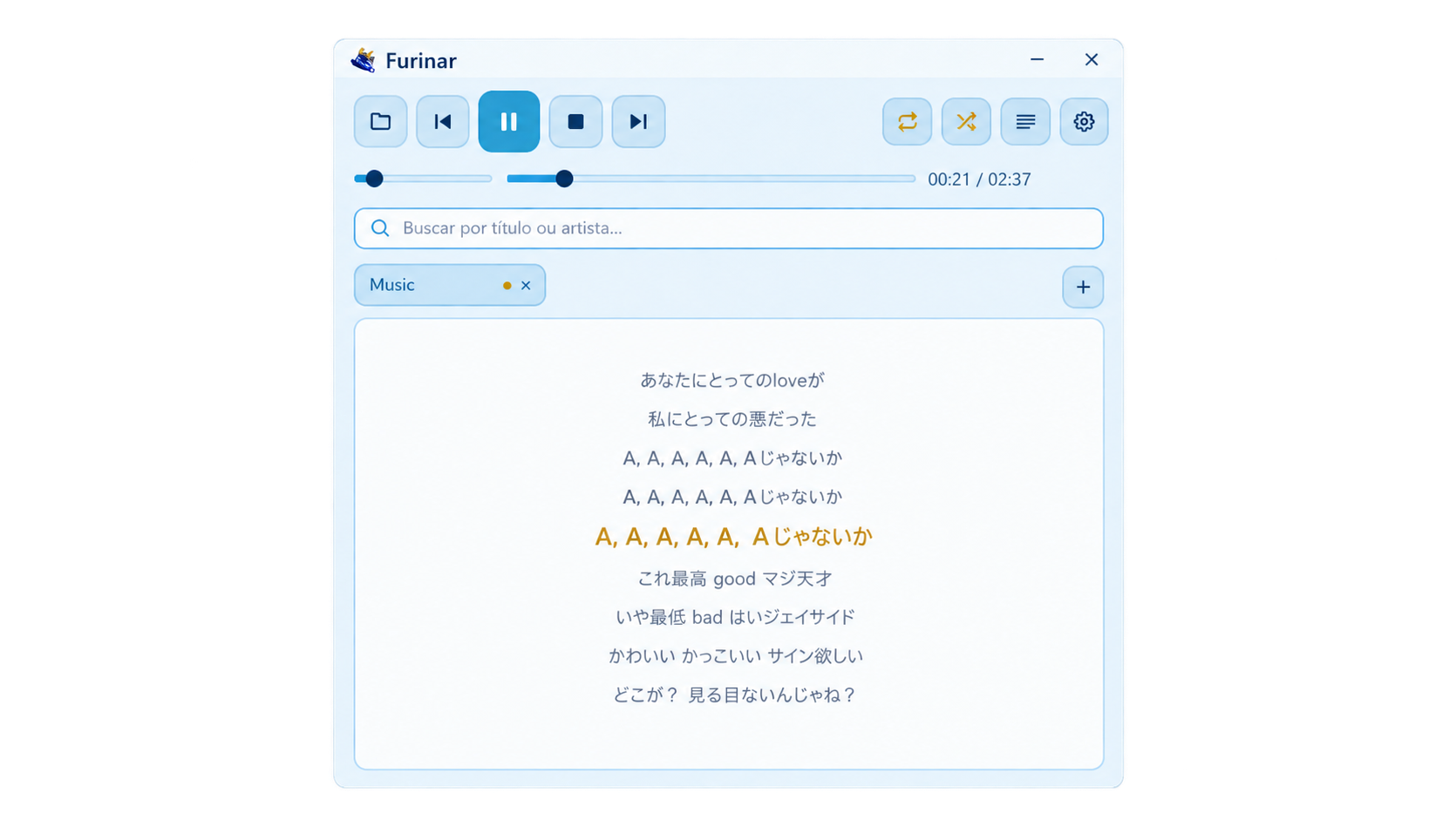
A native desktop music player that opens in milliseconds and stays out of your way — no browser engine, no unnecessary overhead.
Less than a single browser tab
Philosophy
Most music players ship an entire browser runtime to render their interface. Furinar is built natively with Rust and Slint — a compiled UI toolkit that produces a lean binary. The result: instant launch, minimal footprint, and a player that stays quietly in the background.
Features
No cloud sync, no subscriptions, no tracking. Just your local library, played right.
Play, pause, stop, seek, adjust volume, and navigate tracks with clean controls. Loop modes — off, single track, or full playlist — plus shuffle. Furinar picks up exactly where you left off on every reopen.
Open as many folders as you want — each becomes its own tab. Switching between libraries never interrupts what's currently playing. Optional recursive subfolder scanning means no track is left behind.
Search by track title or artist across your active library. Type directly into the search field and results filter in real time with zero delay.
Furinar automatically detects and loads synced .lrc files alongside your tracks. The lyrics view highlights lines in sync with playback time.
Furinar feels like part of the OS. On Windows, playback controls appear directly in the taskbar thumbnail and in the system media overlay. On Linux, MPRIS integration connects it to desktop media controls.
Gallery
Native
Furinar is a compiled binary — not an Electron wrapper, not a web view. It integrates cleanly with the OS: frameless window, custom title bar, Aero Snap, rounded corners on Windows 11, and native media controls on both platforms. Configuration is a plain JSON file you can edit by hand.
Download
Free, open source, and ready to run. No installation wizard, no account.
furinar-windows-x86_64.exe
x86-64 · Single executable
furinar-linux-x86_64.tar.gz
x86-64 · Tarball with install script
curl -fsSL https://raw.githubusercontent.com/LokKol17/furinar/master/pkg/install.sh | bash
make deb && sudo dpkg -i dist/furinar_*.deb
make rpm && sudo rpm -i dist/rpm/RPMS/x86_64/*.rpm
cd pkg/arch && makepkg -si